4. Enter the amount and set the frequency. Notice that your total pledge will be automatically calculated at the bottom based on your choices.
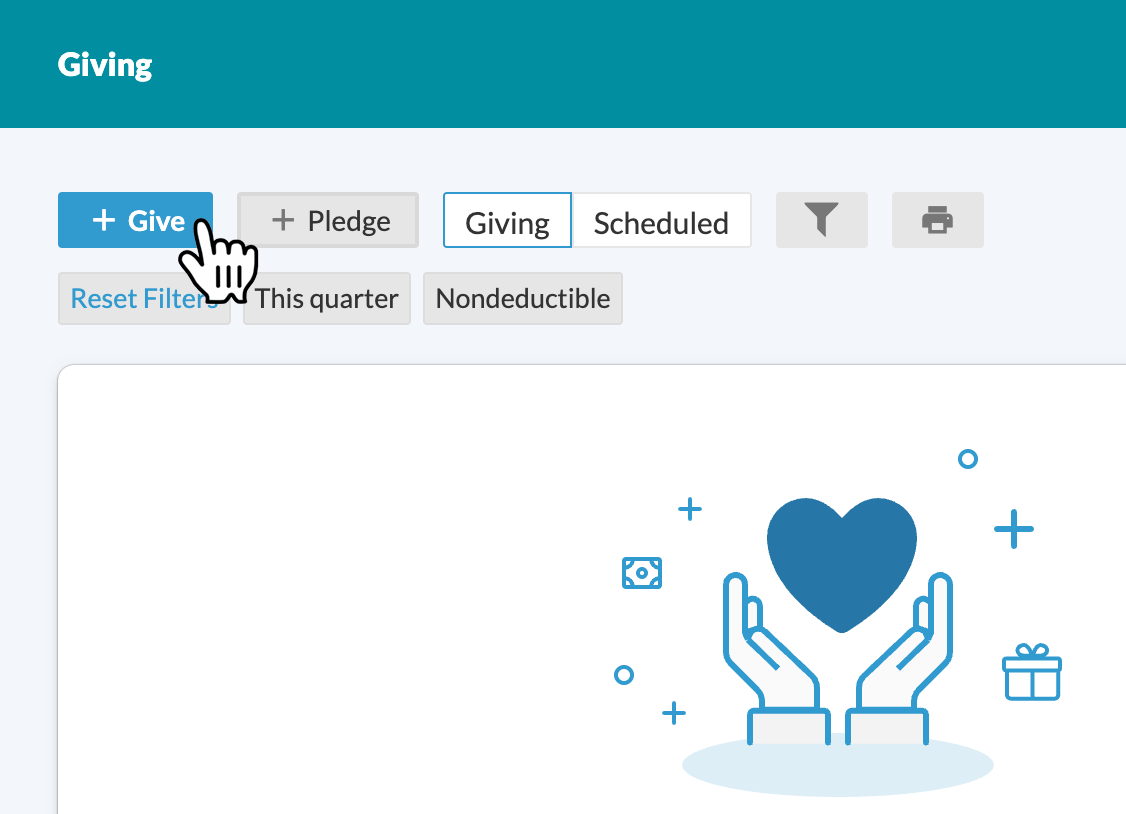
5. Return to the giving page and click on “+ Give” to add online giving to your pledge
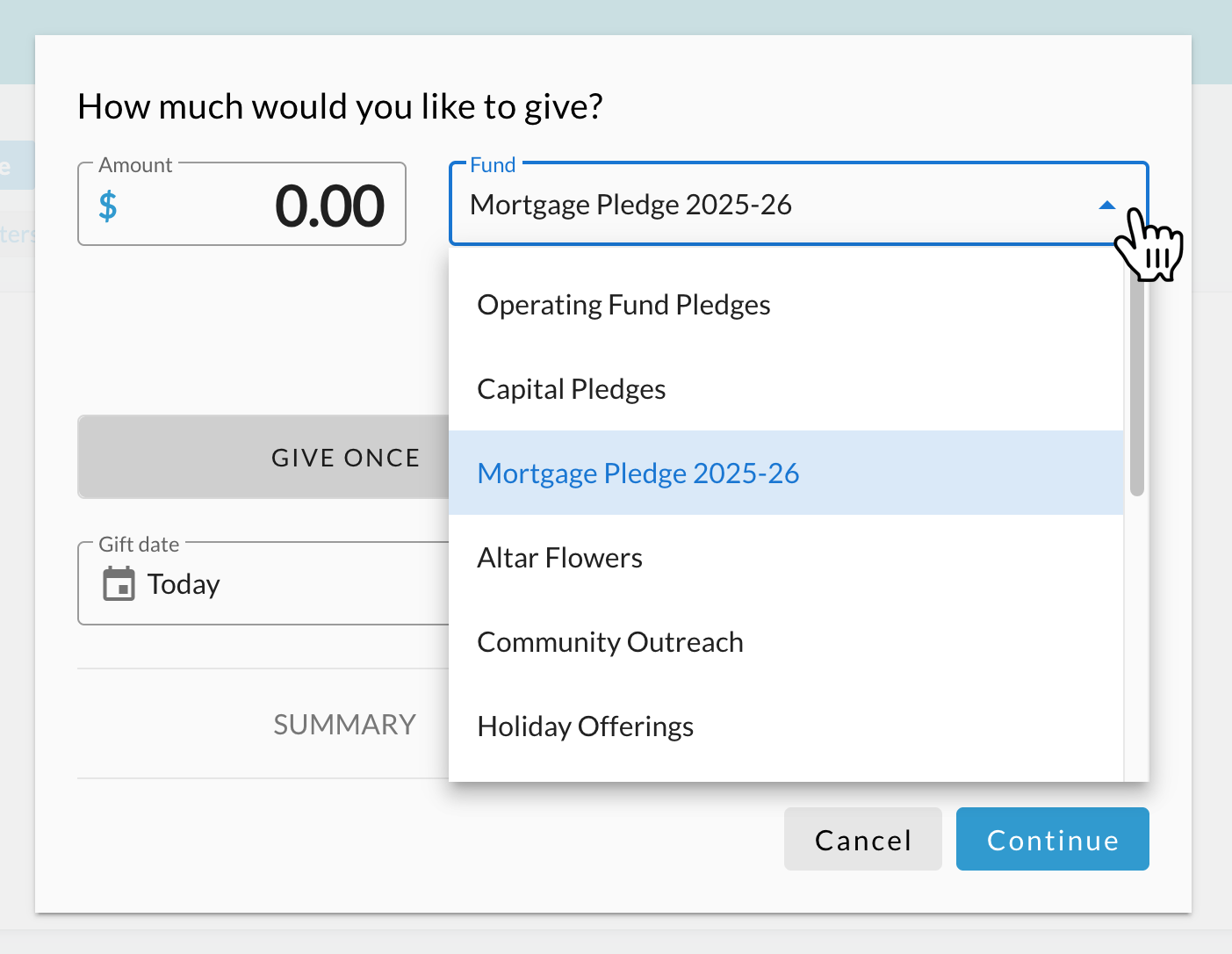
6. Click on the fund dropdown and select the same fund as your pledge
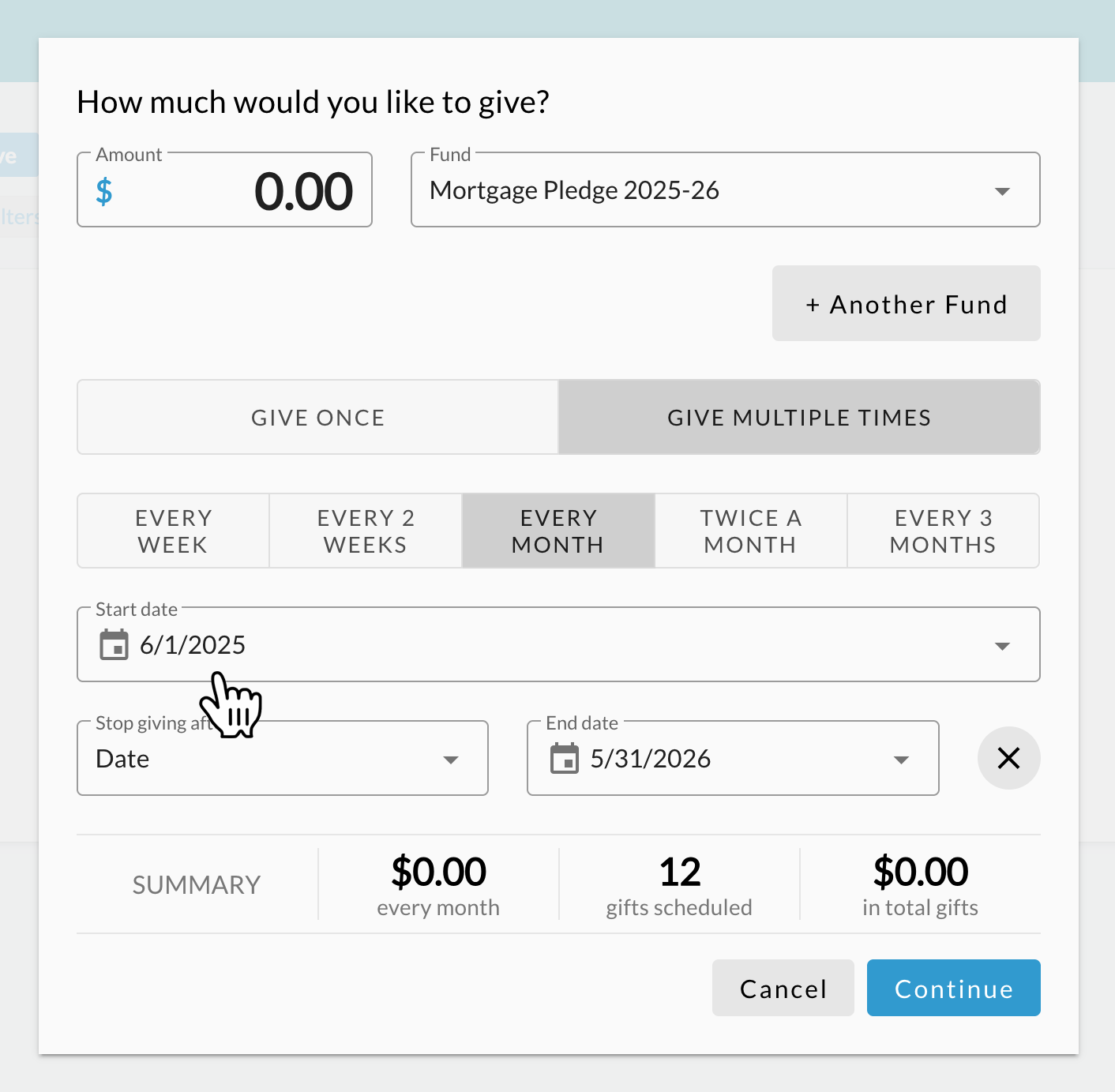
7. Enter the amount you’d like to give and the frequency. Be sure to enter the start and end date for your gift. Click continue and enter your payment information as prompted. Do not give out your account information over the phone or by email.